October 22, 2026 · Event Management
Automatic RSVP Reminders on a Schedule
The invitation went out, half the guests replied in the first few days, and the rest left it for later. At most event companies, “later” means someone on the team remembering to resend the message to pending guests a week before, three days before, the day before, for every event on the calendar. When the season gets busy, that reminder is the first thing to be forgotten.
RSVPito’s automatic reminder schedule solves exactly that: you set up the reminders once and they go out on their own, on the right day and at the right time.
What a reminder schedule is
It’s a sequence of messages scheduled relative to a date. For RSVPs, that date is the day of the event, and each step in the schedule is a send with a purpose: reminding people who haven’t replied, letting guests know the event is coming up, sharing the final details.
The steps you can turn on
- Resend to pending guests, at two points (for example, 7 and 3 days before). Only guests who haven’t replied receive it.
- Organizer’s questions, for confirmed guests: dietary restrictions, accessibility, transportation, whatever the event needs to know.
- “Coming up soon” reminder, for confirmed guests, a few days before.
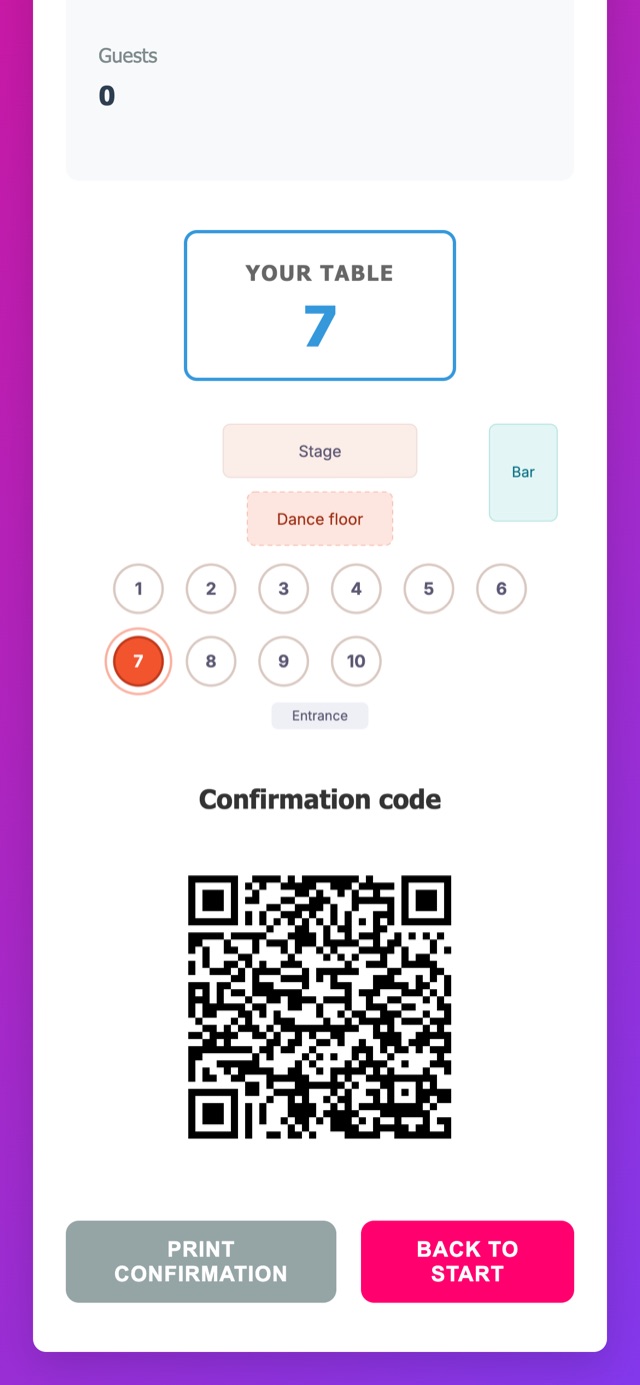
- “Get ready” reminder, on the day of the event, with the final details and the QR code for entry.
- Thank-you, after the event, for guests who confirmed.
For each step you choose the day and the time. Reminders go out by email, which is always free; for guests abroad who prefer WhatsApp, you can add it as an extra channel. Turn on only the steps that make sense for that type of event.
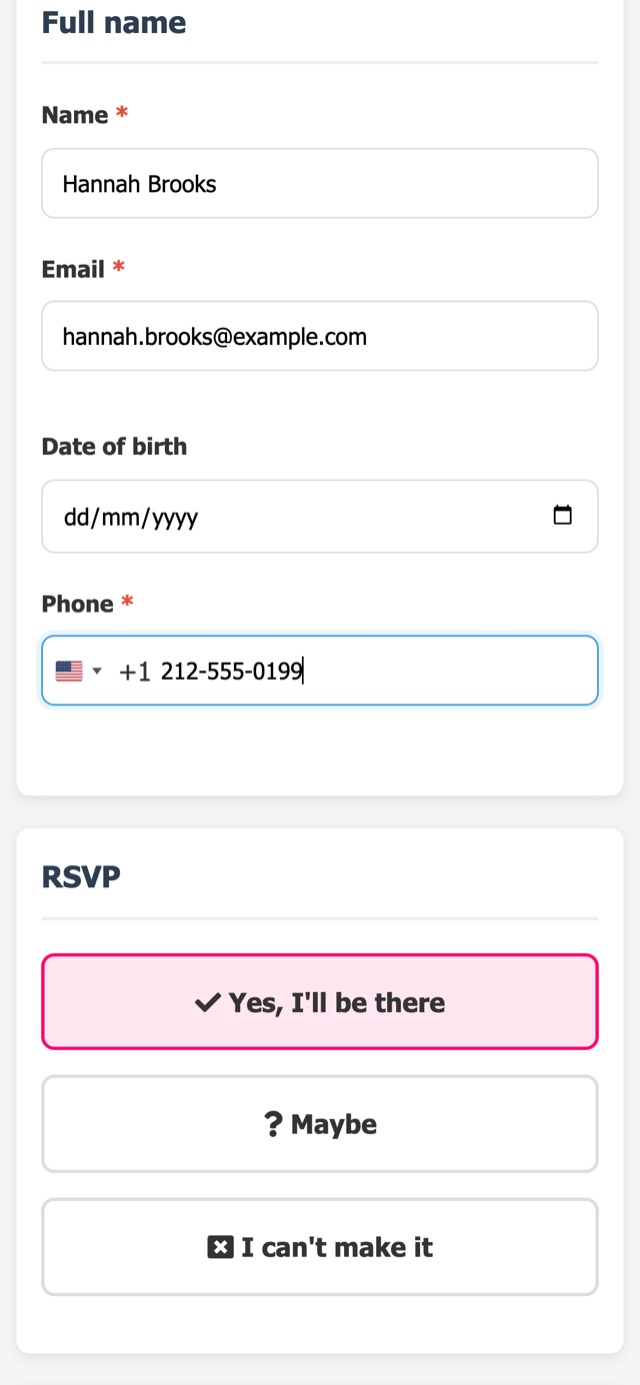
Each reminder links back to the event’s guest page, with your company’s brand, so pending guests can answer with one tap on Going, Not going or Maybe.
The right time, the audience calculated at send time
Messages go out only within the allowed window (by default, 8 a.m. to 9 p.m.), so nobody gets a party reminder in the middle of the night. And each step’s audience is calculated at the moment of sending: if a guest replied between scheduling and sending, they no longer get the resend to pending guests.
Each step shows in advance when it will go out and to how many guests. And there’s no message math to do: the invitation, resends and reminders in the schedule are included in the plan, and email is always free. So you can remind whoever needs reminding without holding back on resends.
The event date changed? The schedule follows
Postponements happen. When the event date changes, the schedule adjusts on its own, and a step that already went out is never resent. To tell guests about the change itself, there’s a dedicated change of venue or time message.
How to design the schedule for each type of event
There’s no single schedule. Some starting points:
- Weddings with a per-head menu: resend to pending guests 3 to 4 weeks before and again close to the caterer’s cutoff; “get ready” the week of the event. The cutoff comes from the RSVP deadline you agreed on.
- Kids’ parties and birthdays at an event venue: a shorter deadline, with resends 7 and 3 days before.
- Corporate events: a formal email invitation well in advance, resends to pending guests timed around the attendees’ work calendar, and a short “get ready” email the day before with the QR code for check-in.
The principle is the same: reminders exist to reach the final count by the deadline the caterer needs. Guests who confirm too late create rework on the seating chart and in production, and that’s where no-shows begin.
One look a day, across all events
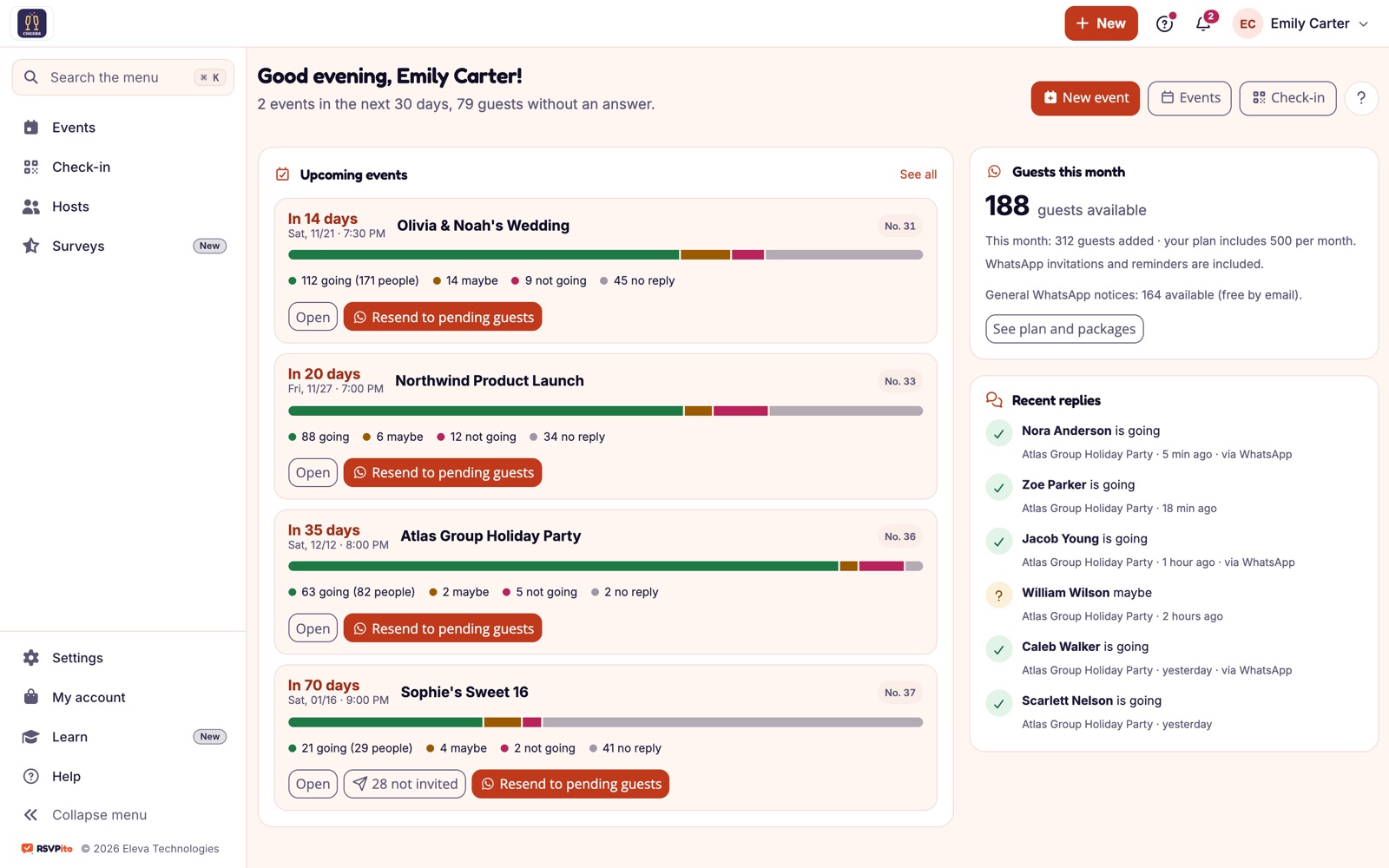
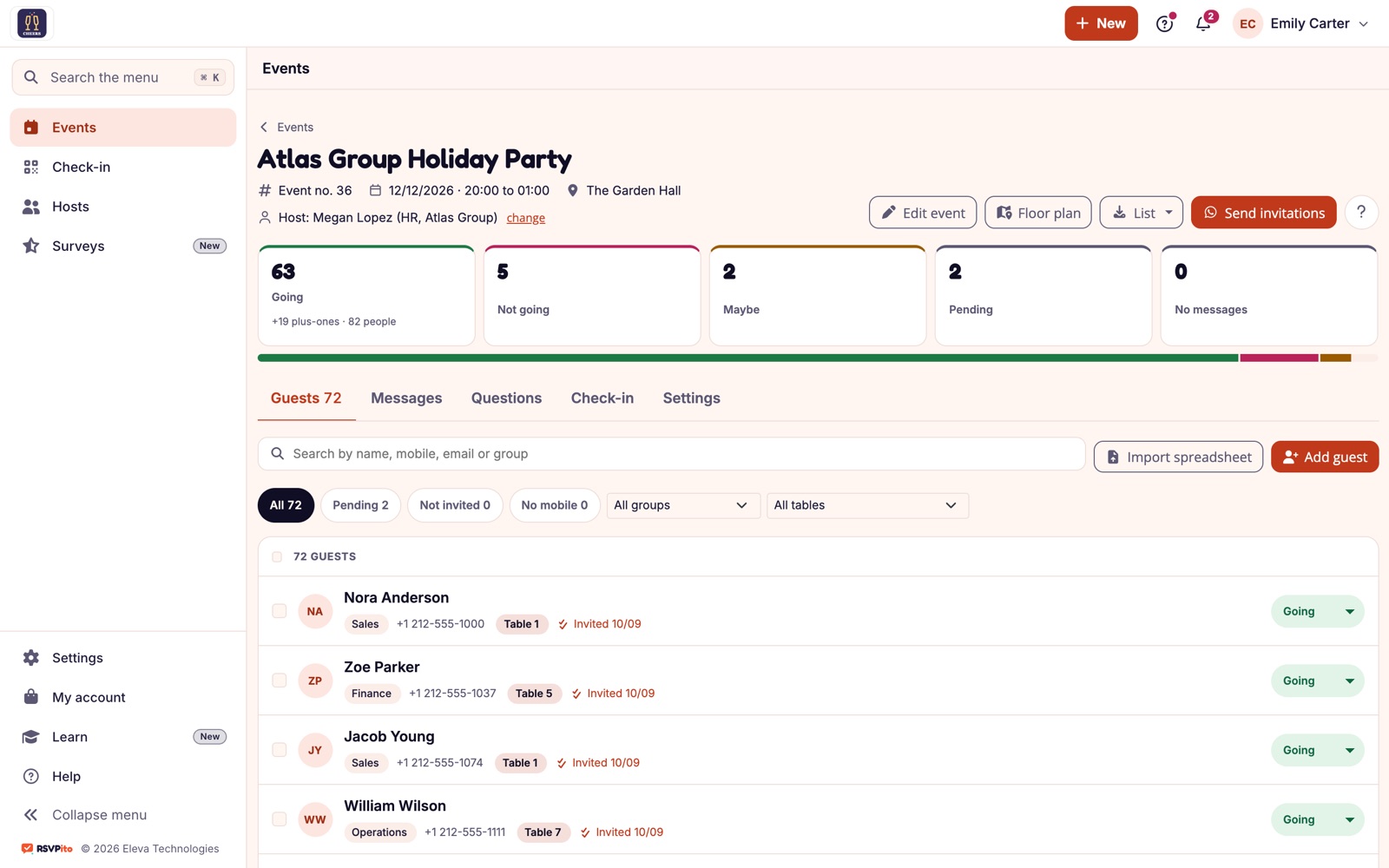
RSVPito’s home screen shows upcoming events with each one’s reply bar and flags what needs attention: an event coming up with many guests still silent, guests who haven’t received the invitation yet, failed sends. With one tap on “Resend to pending”, you send earlier without waiting for the schedule.
The schedule doesn’t replace your team’s judgment, but it takes away the job of remembering to remind. For companies running several events a week, it’s what separates a list closed on time from a list chasing answers the day before.
Talk to us and see how to set up the reminder schedule for the events your company runs.