August 1, 2026 · RSVP
RSVP via WhatsApp for International Guests
For most guests in the US, the invitation arrives by email and the RSVP happens on a link: one tap on Going, Not going or Maybe, and the reply is on your dashboard. But the events you run don’t always have a guest list that lives in one country. A wedding with half the family in Mexico or Brazil, a destination celebration in the Caribbean, a corporate event with partners flying in from Europe or Latin America: for those guests, email is often the channel they check least, and WhatsApp is the one they open every day.
That is where RSVP via WhatsApp fits: not as a replacement for email and link invitations, but as an extra channel for the guests who need it.
What RSVP means, and why the channel matters
RSVP comes from the French répondez s’il vous plaît, “please reply”: an explicit request for the guest to confirm whether they’ll attend. What changes from event to event is the channel. A reply only helps you if it arrives in time and lands in the same list as everyone else’s, which is why the channel should match how each guest actually communicates.
When WhatsApp makes sense as an add-on
- International guests: relatives and friends living abroad, in countries where WhatsApp is the everyday messaging app.
- Destination events: weddings and celebrations abroad, with guests in several countries and longer lead times for travel. See destination wedding RSVPs.
- Corporate events with global attendees: partners, distributors or teams from other offices who rarely react to an email from an unfamiliar sender.
- Guests who simply prefer WhatsApp: some of your clients’ families and communities in the US use it more than email.
How RSVP via WhatsApp works in RSVPito
- You choose the channel per guest or group: email for most of the list, WhatsApp for the guests abroad, or both.
- The invitation arrives on the official WhatsApp with reply buttons: Going, Not going or Maybe. No app to install, no account to create.
- The reply goes to the same live dashboard as the email and link replies: going, not going, maybe and pending, with plus-ones, in one list.
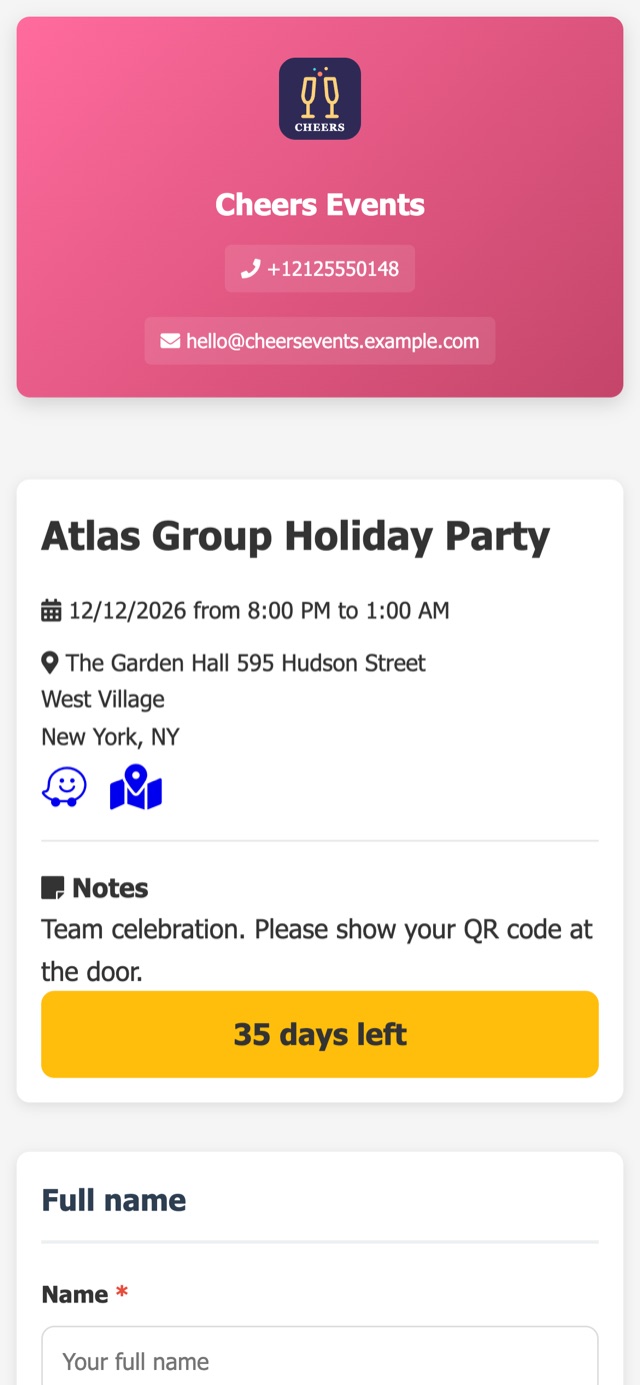
- Guests who need to add plus-ones or answer questions (dietary restrictions, arrival date) continue on the event’s branded guest page.
- Reminders follow the same schedule: pending guests get automatic reminders on the channel chosen for them, between 8 AM and 9 PM.
How it fits with email and the RSVP link
Email and the guest page stay at the center: they cover most of the list, email is always free, and the RSVP link can also go on the couple’s website or as a QR code printed on paper invitations (see what guests see on a branded RSVP page). WhatsApp is the extra reach for the guests that email doesn’t get to. Invitations, resends and reminders are part of the plan; only free-form announcements on WhatsApp are sold separately, in packs.
Tips for international guest lists
- Collect phone numbers with the country code from the start; without it, the WhatsApp invitation can’t be delivered.
- Set the RSVP deadline earlier for guests who need flights, visas or hotel bookings.
- Keep the event details (date, venue, time zone, dress code) on the guest page, so the WhatsApp message stays short.
- Use the same plus-one limits and questions for every guest, whatever the channel, so the headcount stays consistent.
For every type of event company
- Wedding and event planners: one list for local and international guests, with the couple following replies on the host page. See solutions for wedding and event planners.
- Event venues and caterers: a reliable headcount even when part of the guests confirm from abroad. See solutions for event venues and caterers.
- Corporate event agencies: global attendees confirmed in the same list used for check-in on the day. See solutions for corporate events.
RSVPito is RSVP and guest management built for event companies: branded invitations by email and link, a real-time dashboard, automatic reminders, seating and QR code check-in, with WhatsApp available for the guests who need it.
Talk to us and see how to set up RSVPs for your next event with guests in several countries.