July 22, 2026 · Event Management
Guest List Management Without Spreadsheets
Summary: spreadsheets work for small, static lists, but they break when the event grows, when more than one person needs to edit at the same time, or when RSVPs come in through different channels. A dedicated platform solves all three problems at once.
The most common problems with managing guests in a spreadsheet
- Conflicting versions: each person on the team has a copy of the spreadsheet, and they are never all up to date at the same time.
- Manual updates: every RSVP received by phone, email reply or text has to be typed into the spreadsheet by hand.
- No real-time view: you can’t tell at any given moment how many guests have confirmed without opening and checking the whole spreadsheet.
- Hard to share with vendors: exporting and formatting the list for the caterer or the planner takes extra time.
How to organize the guest list without a spreadsheet
1. Centralize the event setup
Set up the event once, with all the details, and use that base to send the invitations, instead of keeping information scattered across spreadsheets, email threads and notes. If the list already exists in a spreadsheet, import it once and stop editing the file.
2. Let guests RSVP at the source
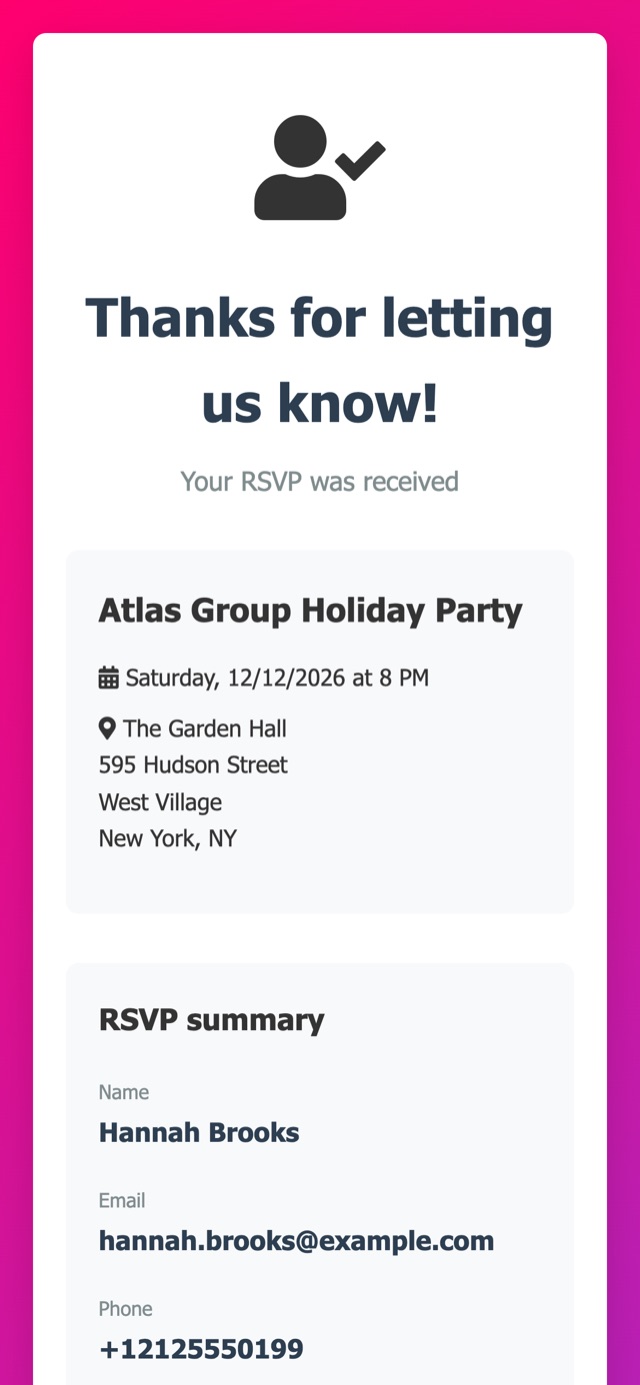
Instead of collecting the reply by phone and then typing it into the spreadsheet, let the guest RSVP with one tap in the invitation email or on the event’s link (it also works as a QR code on a printed invitation). The reply comes in already organized, with no manual step in between.
3. Use one dashboard for the whole team
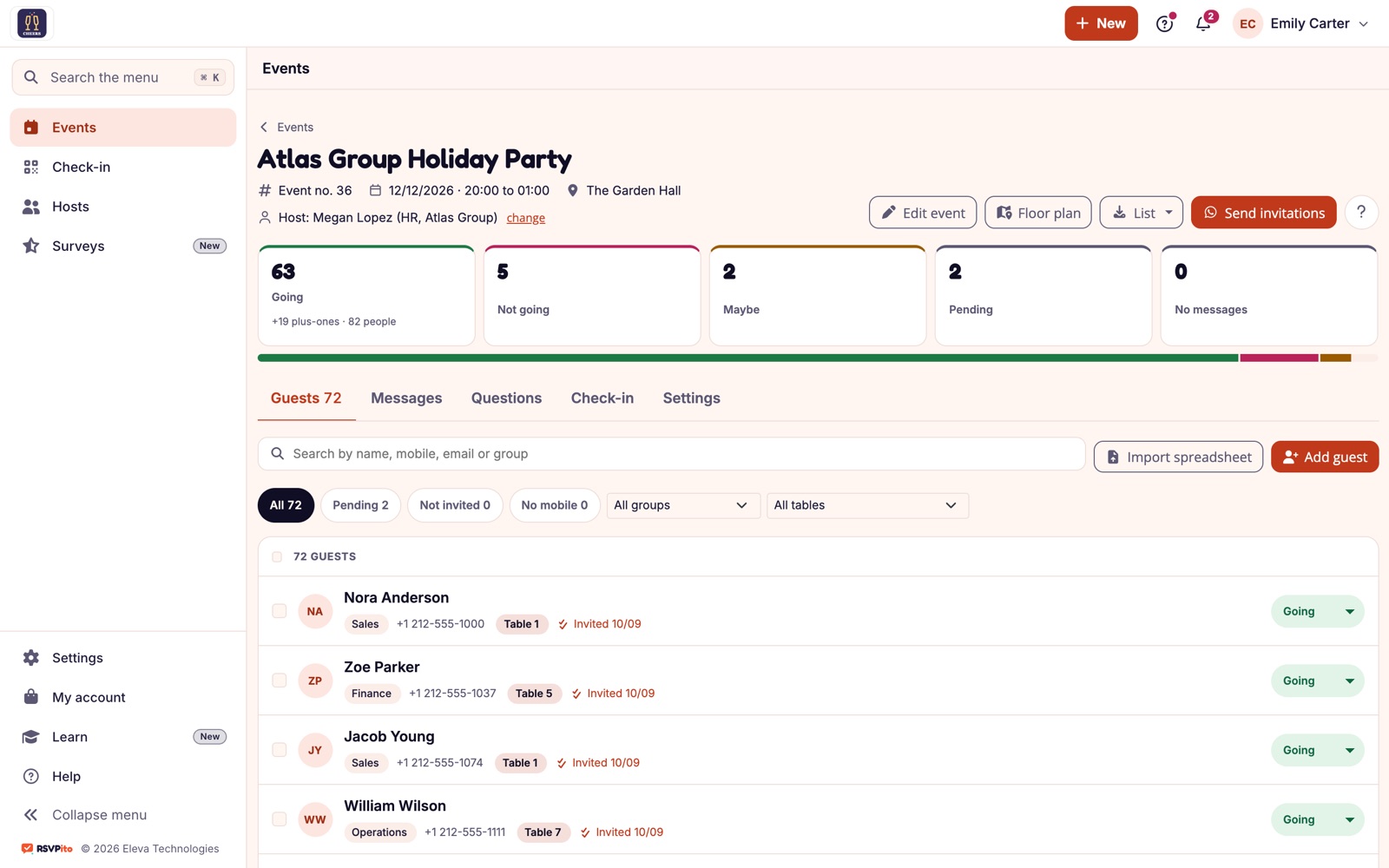
Everyone on the team sees the same numbers, updated in real time, without depending on whoever last touched the spreadsheet. With roles, each person sees what they need: admin, operations or reception.
4. Export the list only when you need it
Generate the updated list of confirmed guests at the moment you hand it to the caterer, the planner or registration, without formatting anything by hand.
Where RSVPito comes in
RSVPito replaces the spreadsheet with a dashboard and RSVPs by email or link, updated automatically with every reply. You can export the guest list to Excel or PDF at any time, without manual updates. See also how this applies to venues and caterers.
Talk to us and see how to retire the spreadsheet from the events you run.