
For Corporate Event Agencies
RSVP Management at Scale for Corporate Events
From internal training sessions to large conventions, RSVPito helps corporate event agencies confirm attendance for hundreds or thousands of attendees, fast.

Large Events Need Control a Spreadsheet Can't Give
When the guest count grows, manual tracking simply can’t keep up.
Invite Lots of People Without Losing Control
Teams That Need the Same Data
All of This Is Already Included
Email Invitation With One-Tap RSVP
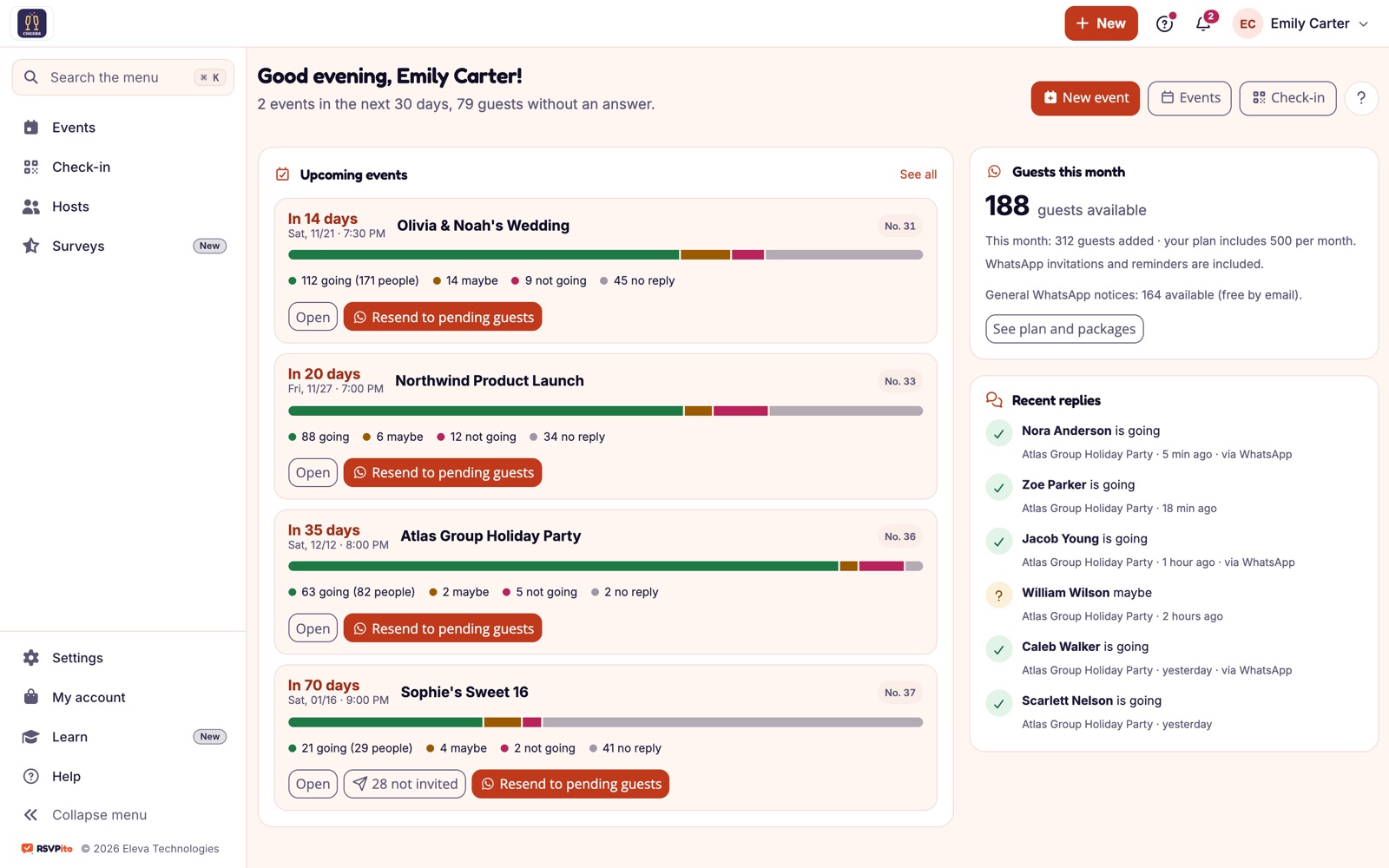
Live Guest Count
Manage Multiple Events
Team With Access Profiles
Guest List Import and Export
Data Protection
Automatic Reminders
Floor Plan and Seating
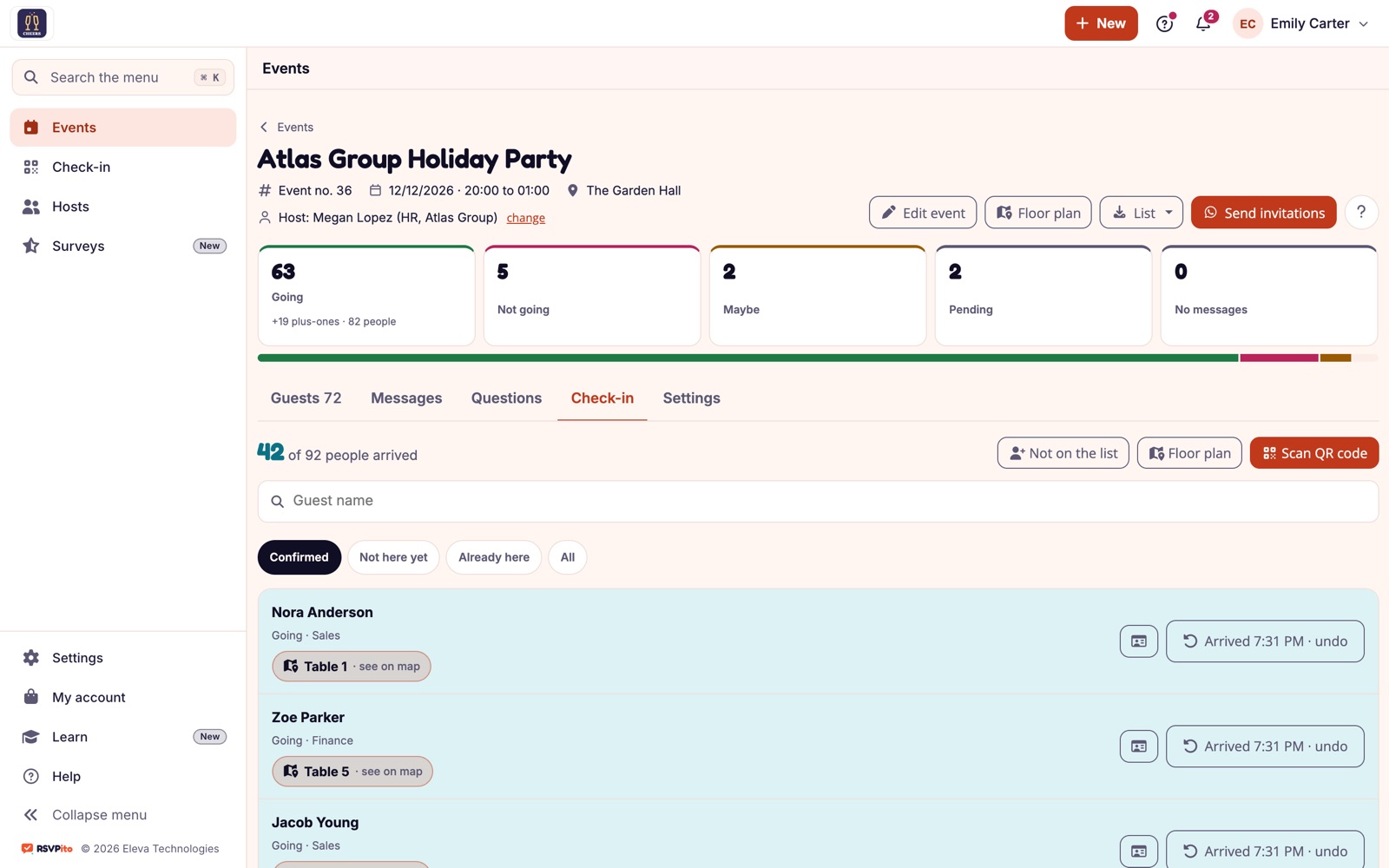
Check-in With No Line
Guest Page With Your Brand
Host Page
Satisfaction Survey
Built to Be Fast and Easy to Use
The platform was designed so any guest can RSVP effortlessly, and any organizer can set up an event in minutes.
Easy for guests to RSVP
One tap, from any device
A clear tracking dashboard
Questions From Corporate Event Agencies
1. Does RSVPito work for events with thousands of guests?
Yes. Email invitations and real-time tracking work at any scale. For more than 500 primary guests a month, talk to us about a custom plan.
2. Can I give dashboard access to different areas of my team?
Yes, you can add multiple users, each with an Administration, Operations or Reception profile.
3. Can RSVPito be used for badge check-in on the day of the event?
Yes, and without spreadsheets: reception checks people in from a phone, the entry form asks for ID, table or wristband, anyone not on the list is registered at the door, and you get a grouped alert.
4. Can invitations go to corporate email?
Yes. Email is the main channel and it's always free: guests reply with one tap from their inbox or the guest page. WhatsApp is available as an option for guests abroad.
5. Can we get a custom plan for large volumes?
Yes. Plans go by primary guests per month (100, 250 or 500); above 500, talk to us for a proposal that fits your operation.
6. Can I ask for an ID document at the entrance?
Yes. In the entry form you choose what reception asks for at the door (ID document, email, wristband, consent and so on). The reception team uses a check-in-only profile and sees previously registered data masked.